Introduction: Why Website Migration Matters in Web Hosting in Nepal
As businesses grow, many website owners in Nepal eventually reconsider their web hosting choice. Common reasons include slow performance, limited resources, poor support, or the need to scale.
Migrating a website is a normal and responsible step—not a failure. When done correctly, migration should not result in data loss, SEO damage, or extended downtime.
This guide explains how website migration works within the context of web hosting in Nepal, what to prepare beforehand, and how to move safely with realistic expectations.
What Is Website Migration? (Simple Explanation)
Website migration means moving your website files, databases, emails, and settings from one hosting provider to another.
A proper migration includes:
-
Website files
-
Databases
-
Email accounts (if applicable)
-
DNS configuration
-
SSL and security settings
Migration does not automatically improve SEO or traffic. It simply changes where your website is hosted.
When Should You Consider Migrating Web Hosting in Nepal?
You may want to migrate if you experience:
-
Frequent downtime
-
Slow website loading
-
Resource limitations
-
Poor technical support
-
Business growth requiring better infrastructure
-
Need for local support or billing
Migration should be a planned decision, not a rushed reaction.
Common Migration Myths (Debunked)
❌ “Migration always hurts SEO”
False. SEO issues usually occur due to poor execution, not migration itself.
❌ “Only large websites need migration”
Small websites migrate just as often when needs change.
❌ “Migration is instant”
Even simple sites require careful steps and testing.
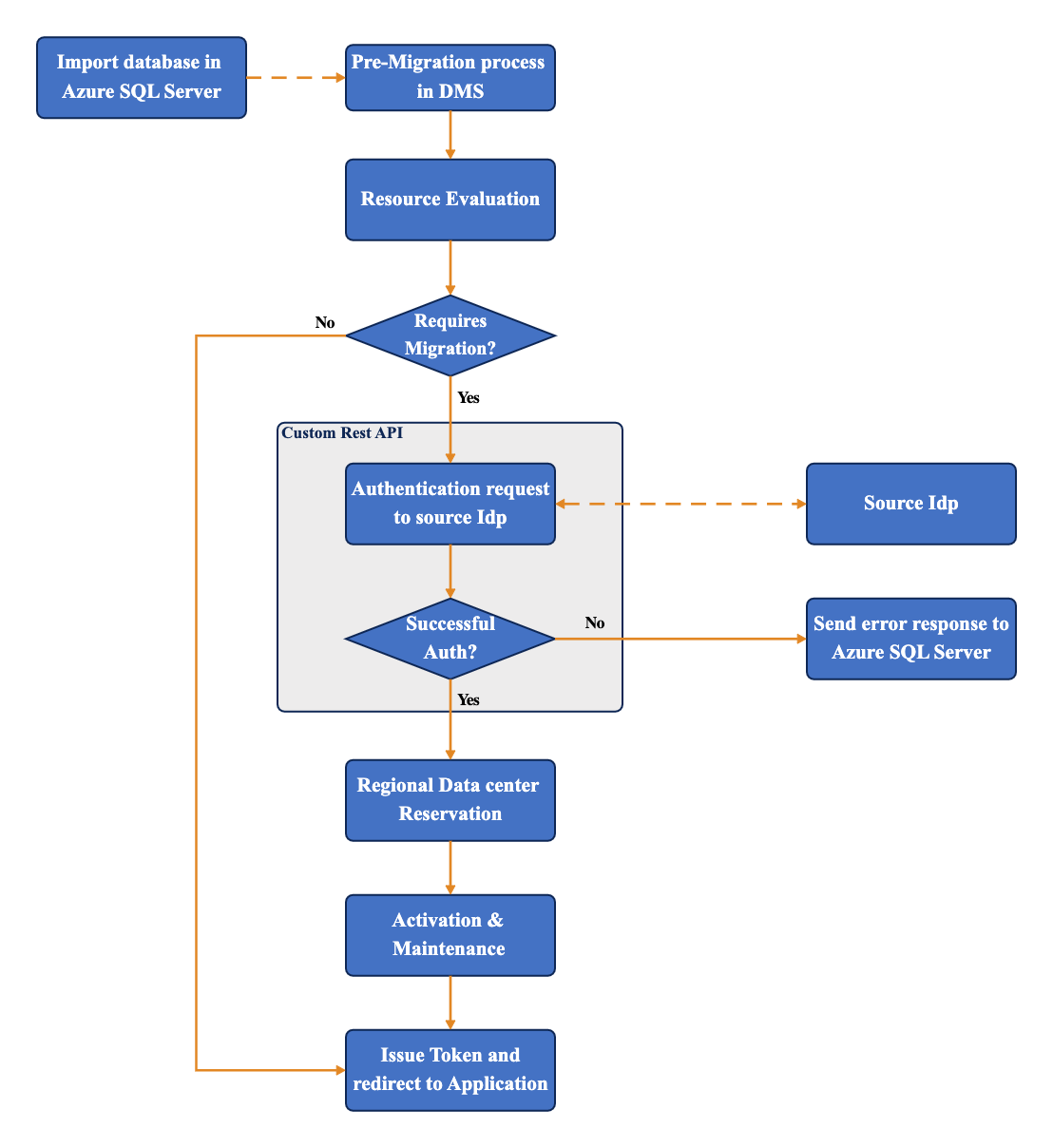
Step-by-Step Website Migration Process

Step 1: Back Up Everything
Always create:
-
Full website file backup
-
Database backup
-
Email backup (if applicable)
Never rely on a single backup copy.
Step 2: Choose the New Hosting Environment
Before moving, confirm:
-
Hosting type (shared, VPS, cloud)
-
Storage and bandwidth limits
-
PHP / software compatibility
-
Security features
This step prevents compatibility issues later.
Step 3: Upload Website Files
Transfer website files using:
-
File manager
-
FTP/SFTP
-
Control panel tools
Ensure directory structure remains unchanged.
Step 4: Import Databases
Import your database and:
-
Update configuration files
-
Check database connections
-
Verify permissions
Step 5: Test Before DNS Change
Preview your website on the new server to confirm:
-
Pages load correctly
-
Forms work
-
Images display properly
-
Admin access functions
Testing before DNS change avoids public errors.
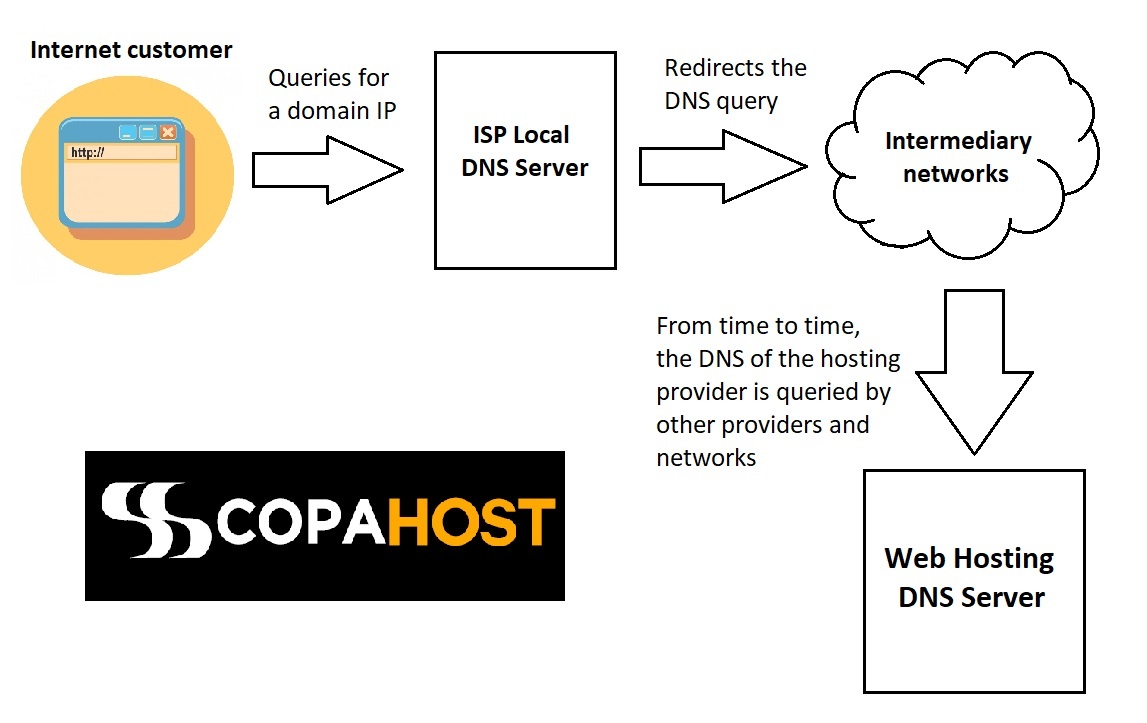
Step 6: Update DNS Settings
Point your domain to the new hosting server.
DNS propagation may take a few hours to 48 hours. Temporary inconsistencies are normal.
Step 7: Final Checks & Monitoring
After migration:
-
Monitor uptime
-
Check website speed
-
Watch for broken links
-
Ensure SSL works correctly
Only cancel old hosting once everything is confirmed.
Web Hosting in Nepal: Migration With Local Providers
Many users prefer migrating to a Nepal-based provider for:
-
Local support availability
-
Local billing methods
-
Better understanding of regional needs
For example, Foxnett offers hosting and cloud services for users who want local infrastructure and assistance during hosting transitions.
???? Official website:
https://foxnett.com
Foxnett does not claim “zero downtime guarantees,” but focuses on planned, careful migrations that minimize risk and disruption.
Does Migration Improve Website Speed or SEO?
Migration can improve performance if:
-
New hosting has better resources
-
Server configuration is improved
-
Website optimization is done correctly
However:
-
Migration alone does not boost rankings
-
SEO gains depend on overall site quality
Think of migration as technical housekeeping, not a marketing shortcut.
Common Migration Mistakes to Avoid
-
Skipping backups
-
Migrating during peak traffic
-
Forgetting email accounts
-
Not testing before DNS change
-
Cancelling old hosting too early
Most problems happen due to rushing.
Frequently Asked Questions (FAQs)
1. Is website migration risky?
It can be if done incorrectly. With proper planning and backups, risk is minimal.
2. How long does website migration take?
Small sites may take a few hours. Larger sites may take longer.
3. Will my website go offline during migration?
Downtime can be minimized or avoided with proper testing and DNS handling.
4. Can beginners migrate websites themselves?
Yes, but technical assistance reduces risk.
5. Does migration affect email services?
Yes, if email is hosted on the same server. Email settings must be migrated carefully.
6. Is migration part of web hosting services in Nepal?
Some providers assist with migration; others require self-management.